Save complete grouping strategies
Reusable strategies retain geometry and relative positions, while current machine safety is checked afresh.
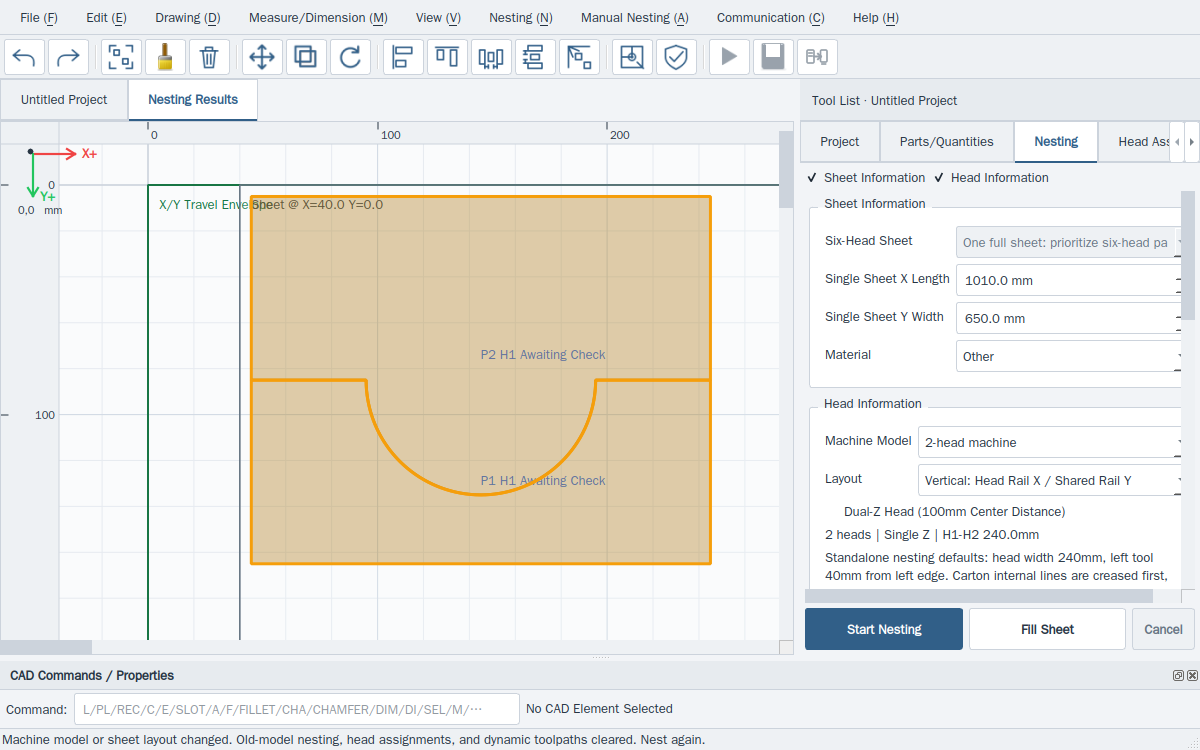
- Select every member of a useful group in Layout result, then choose Manual nesting → Recognise and save.
- After saving, all member types are highlighted. Fill-sheet prioritises complete repeated groups; quantity nesting makes as many complete groups as available quantities allow, then places remaining singles.
- For a group containing one A and one B with A=5 and B=3, expect three complete groups before the two remaining A parts.
- Open Help → Update strategies (Ctrl+Shift+U) to inspect your local strategies. Click Synchronise server explicitly to obtain the latest shared catalogue and retry pending uploads.
This website provides instructions only. Carry out every drawing, transfer and machine operation in the installed software. Website links cannot home, jog, start, pause or stop a live machine.