Parts, quantities and automatic nesting
A part definition contains a closed outer boundary and its internal machining contours.
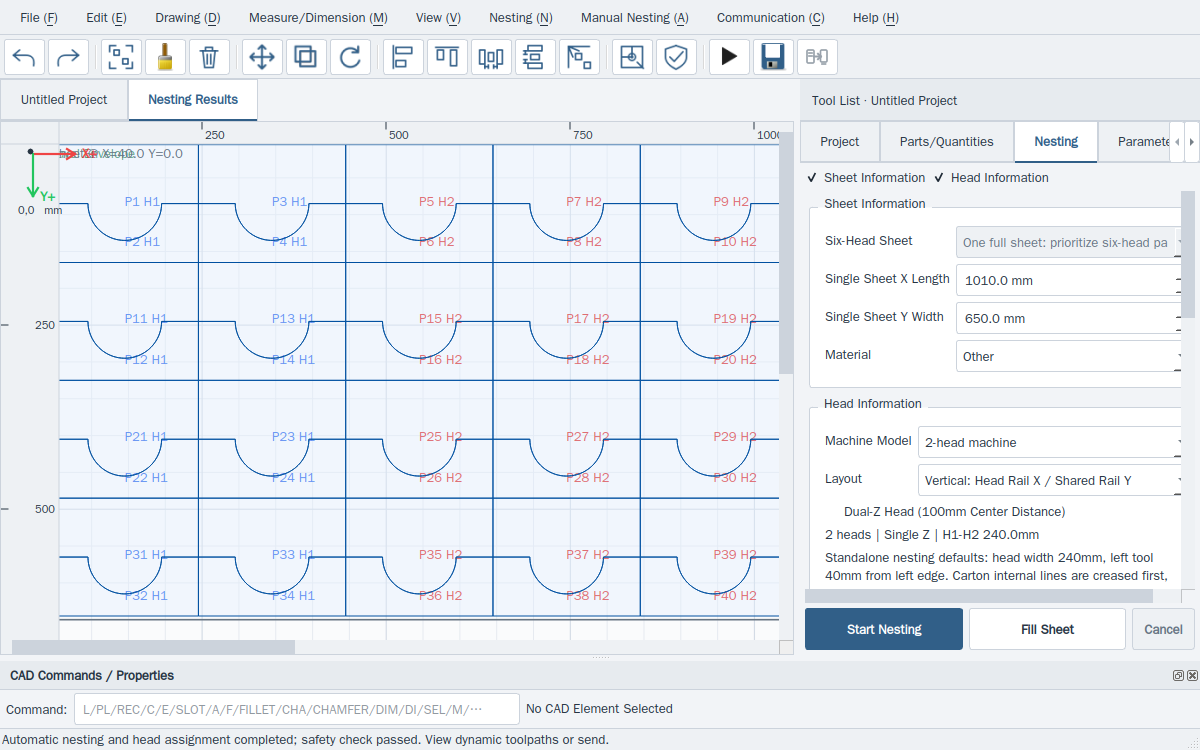
- Create or designate a valid closed part outline, assign its internal holes, name it and tick its nesting column. Enter positive quantities.
- Confirm physical machine configuration and sheet size, edge margin, part clearance, permitted rotations and participating heads.
- Use F5 for quantity nesting. Fill-sheet uses highlighted types, or checked types when none are highlighted, and fills without changing the original quantity column.
- Wait for background search and its safety result. Compare actual counts, head use, batches, material use and estimated machining time.
This website provides instructions only. Carry out every drawing, transfer and machine operation in the installed software. Website links cannot home, jog, start, pause or stop a live machine.