Operation animations and beginner guide
Learn command gestures without changing the current project.
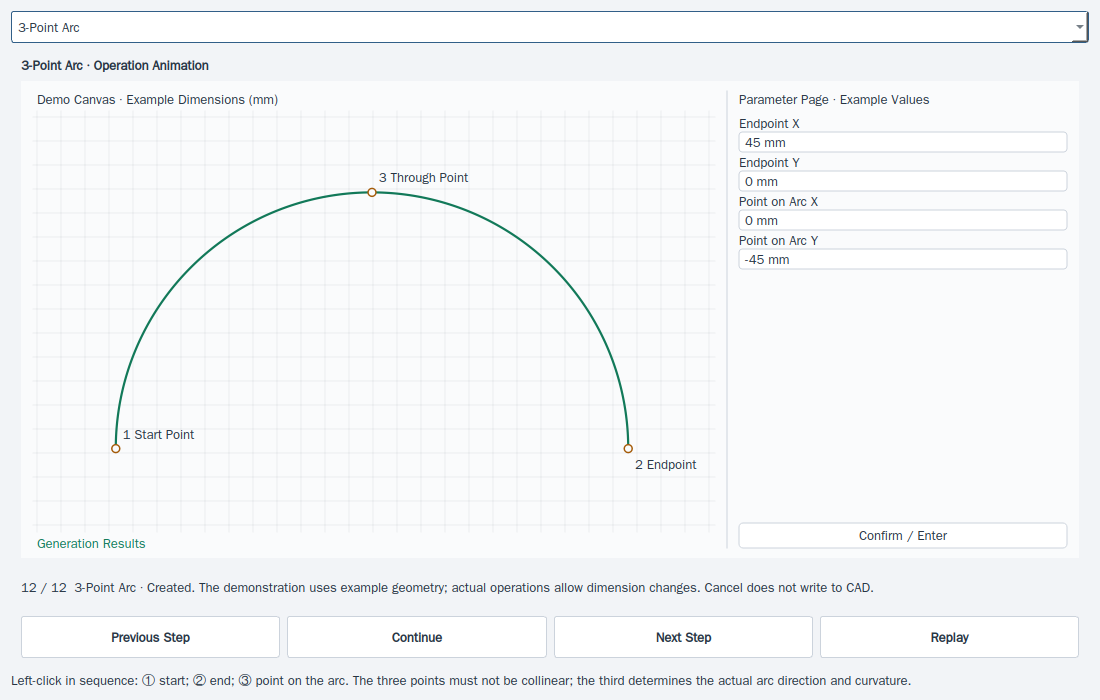
- Hover over a menu command or toolbar icon to see its operation animation. Moving away closes the preview.
- Use Help → Operation animations or Ctrl+F2; select a command and pause, step through or replay its demonstration.
- Open Help → Beginner guide for the actual drawing, quantities, machine, nesting, safety, route and send/save steps.
This website provides instructions only. Carry out every drawing, transfer and machine operation in the installed software. Website links cannot home, jog, start, pause or stop a live machine.