Drawing geometry and precise dimensions
Use the drawing tools, then confirm precise values in the parameter panel.
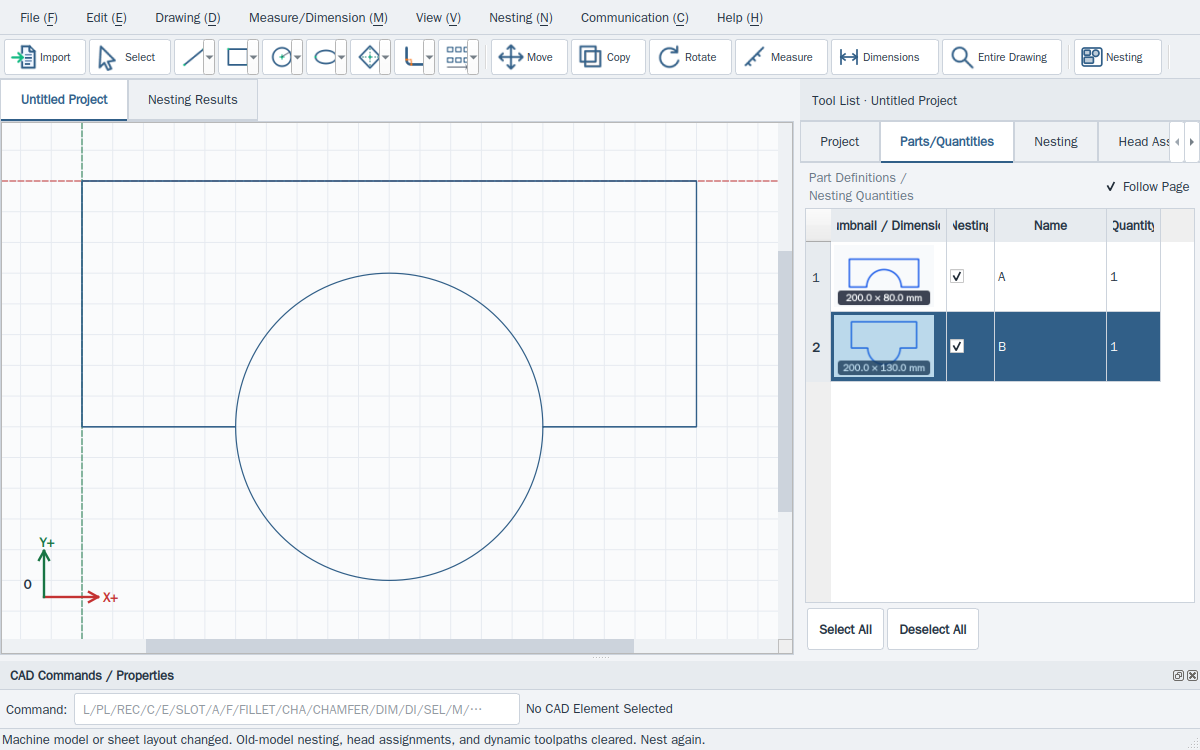
- For a line, drag from start to end; for a polyline, add segments and end with right-click or double-click. Choose close-and-finish for a closed outline.
- Drag opposite corners for an axis-aligned rectangle. Use a three-point rectangle when an edge must have an angle.
- Drag from centre to circumference for a circle. Three-point circles and arcs require non-collinear points; the three-point arc order is start, end, point on arc.
- Use slots, ellipses, splines and polygons as needed. Check the preview, enter dimensions and confirm; join open contours before treating them as parts.
This website provides instructions only. Carry out every drawing, transfer and machine operation in the installed software. Website links cannot home, jog, start, pause or stop a live machine.