Add quantity and process mode; review estimates
The task record combines a saved layout with the required repetitions and current process settings.
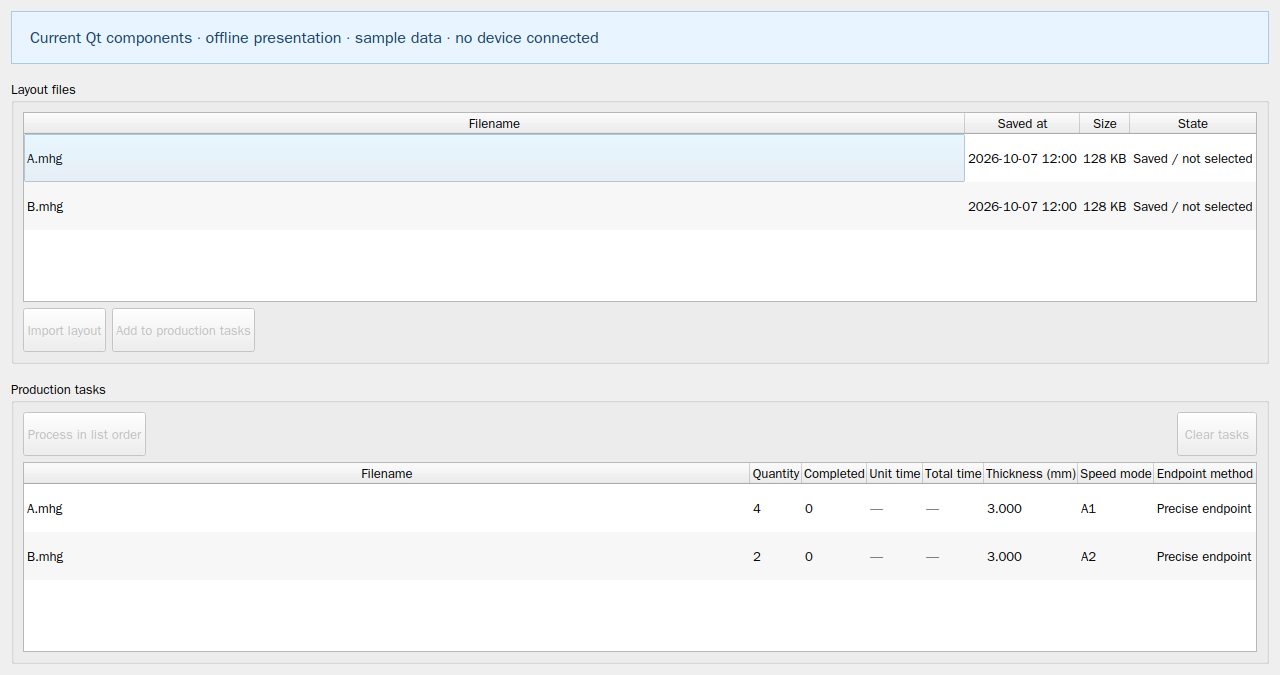
- Select one or more Layout files and use Add to production tasks, or drag them into the task table.
- Choose an enabled, verified speed mode and required machining quantity in the actual add-task dialog.
- Wait for successful background planning, then review quantity, completed count, estimated unit and total machining time, thickness, speed mode and endpoint method.
- Select the task to inspect its layout. Edit the machining quantity when needed and wait for any required recalculation.
This website provides instructions only. Carry out every drawing, transfer and machine operation in the installed software. Website links cannot home, jog, start, pause or stop a live machine.