Live servo load and peak replay
Load curves come from actual drive torque feedback.
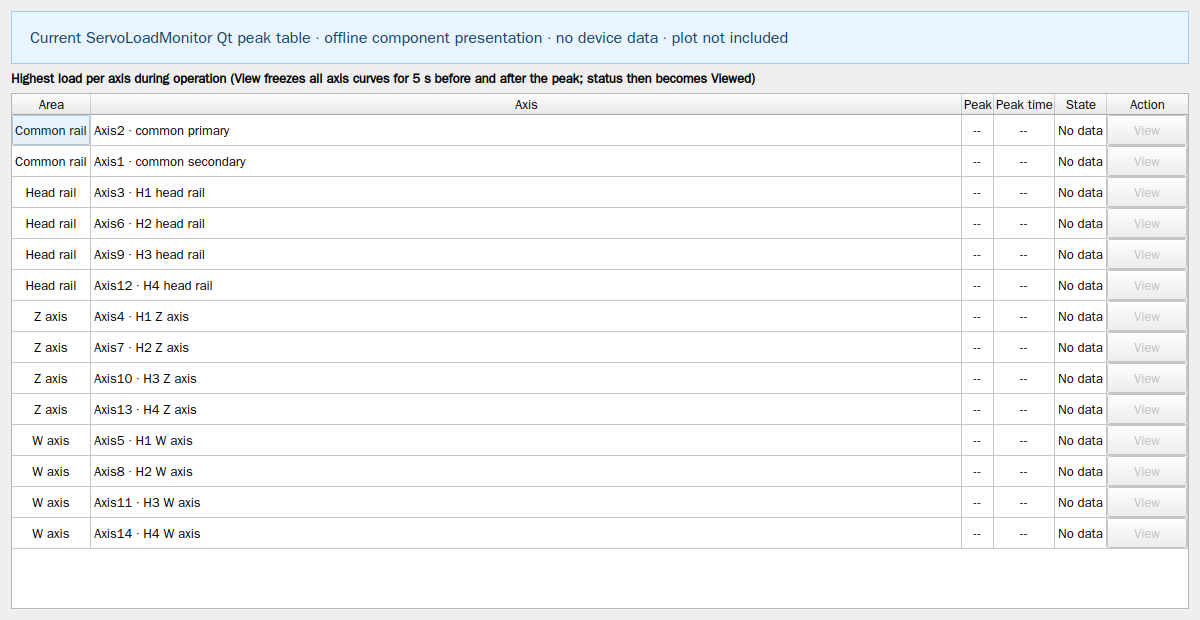
- Open the main program’s Load monitor and inspect the configured common rail, head rail, Z/W and auxiliary axis curves.
- Select an axis with a complete recorded peak to replay all axis curves over five seconds before and after that peak; the red line marks its time.
- Use Restore live to return to current feedback; zoom each display area as needed.
- Compare abnormal load with blade, material, speed and mechanical condition, then validate adjustments with trial cutting.
This website provides instructions only. Carry out every drawing, transfer and machine operation in the installed software. Website links cannot home, jog, start, pause or stop a live machine.