Whole-machine homing and Go to 0
Homing establishes the mechanical reference; Go to 0 moves to an already established mechanical zero.
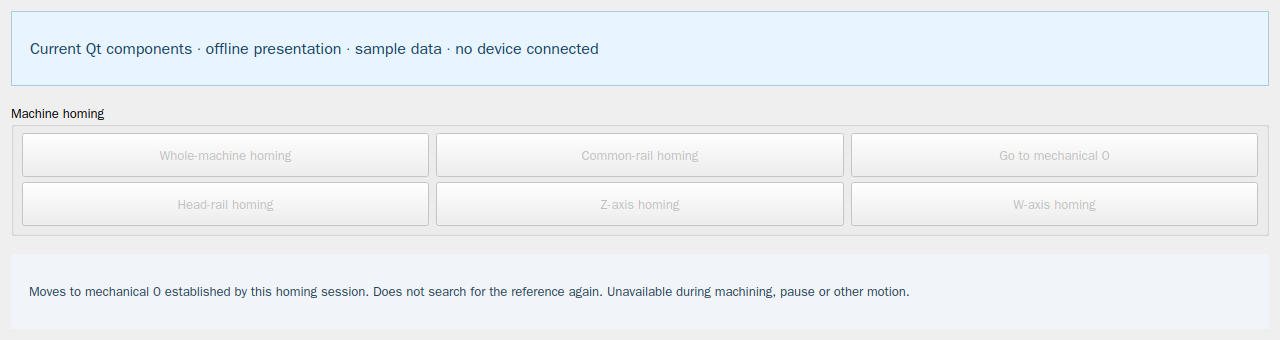
- In Manual debugging clear the travel area, confirm the tools and material are safe, then use Whole-machine homing.
- Wait for an actual successful result and valid position feedback. A click, reset or alarm clear does not establish a reference.
- Common-rail homing references only that rail. Head/Z/W homing: short press affects the selected head; hold for one second to operate that axis on all enabled heads.
- Use Go to 0 only after valid whole-machine homing and with production and other motion stopped. It does not search for a reference again.
This website provides instructions only. Carry out every drawing, transfer and machine operation in the installed software. Website links cannot home, jog, start, pause or stop a live machine.